Skin Quickstart
A concise bilingual path from rights check to readable export and restore.
- English and Chinese walkthroughs
- Artwork-rights checklist
- Native theme example
- Install safety checklist
CodexSkins · browser studio
Turn an image into a readable Codex skin. Adjust the layout, preview the result, and export a local recipe. Your image stays in the browser.








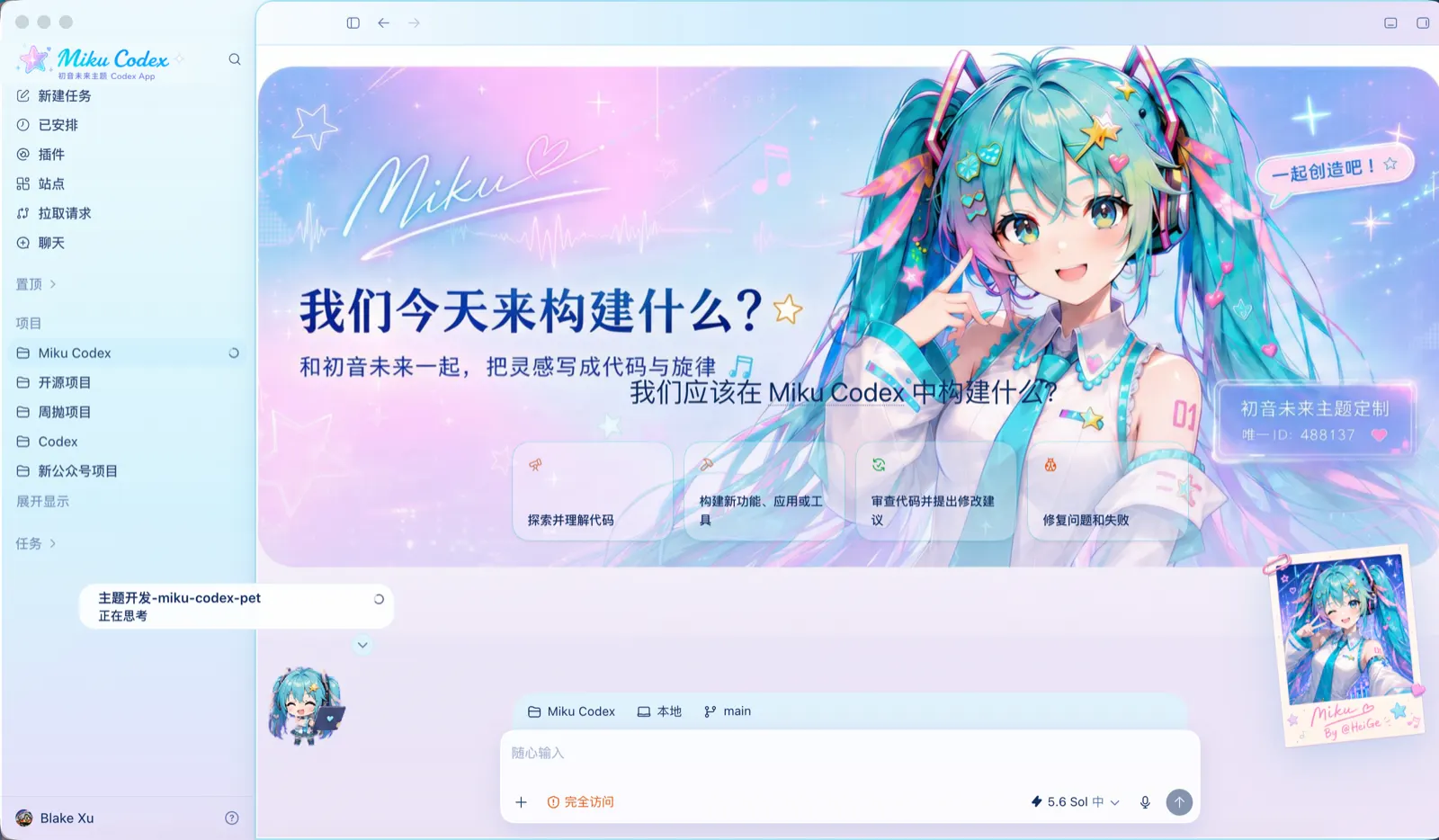
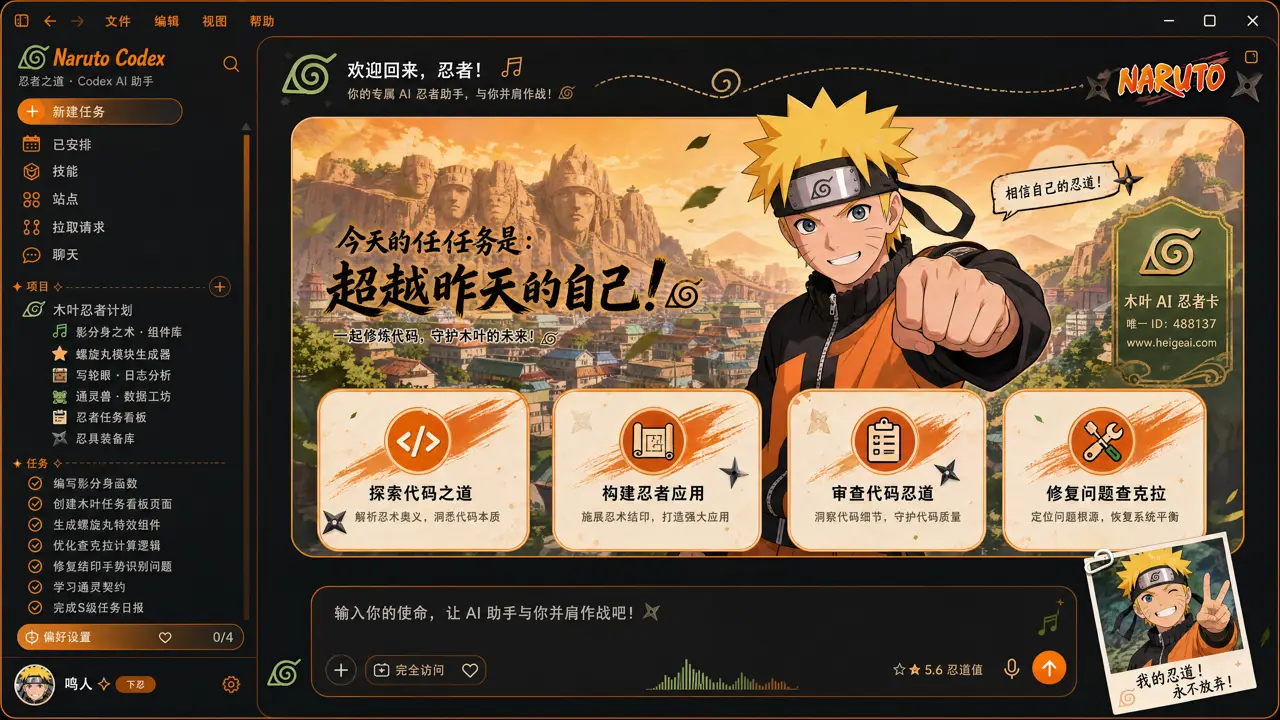
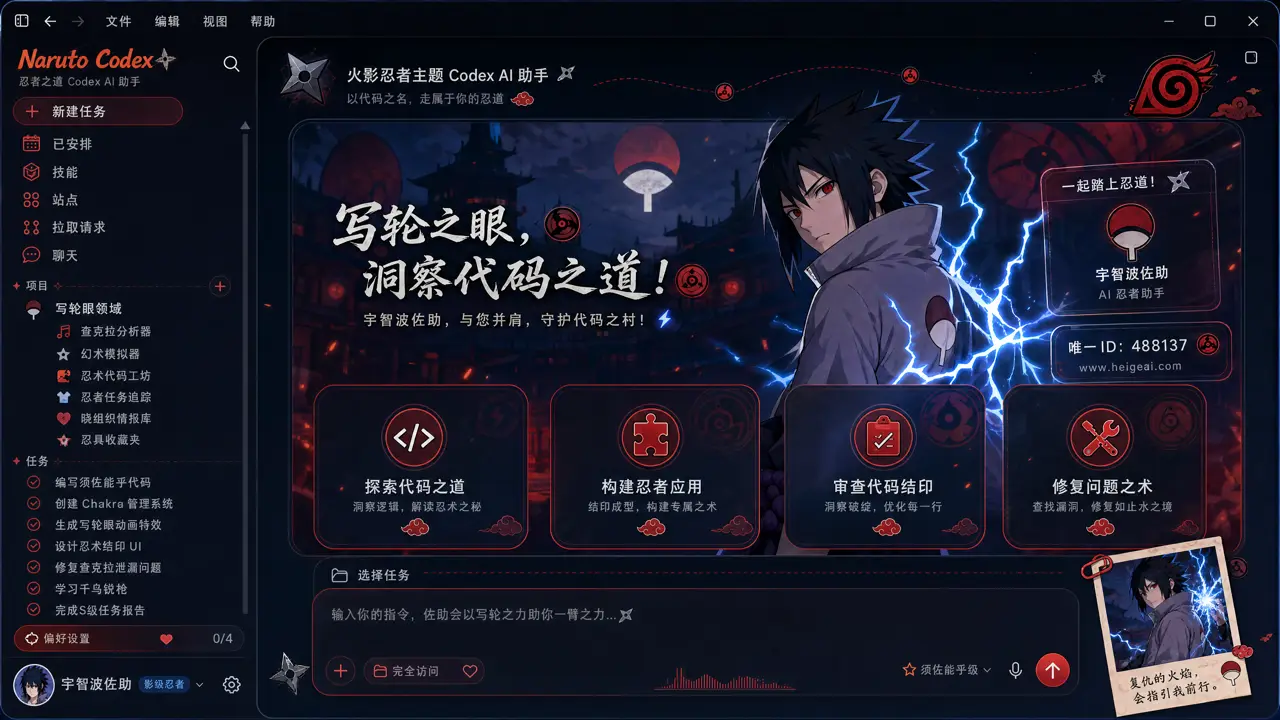
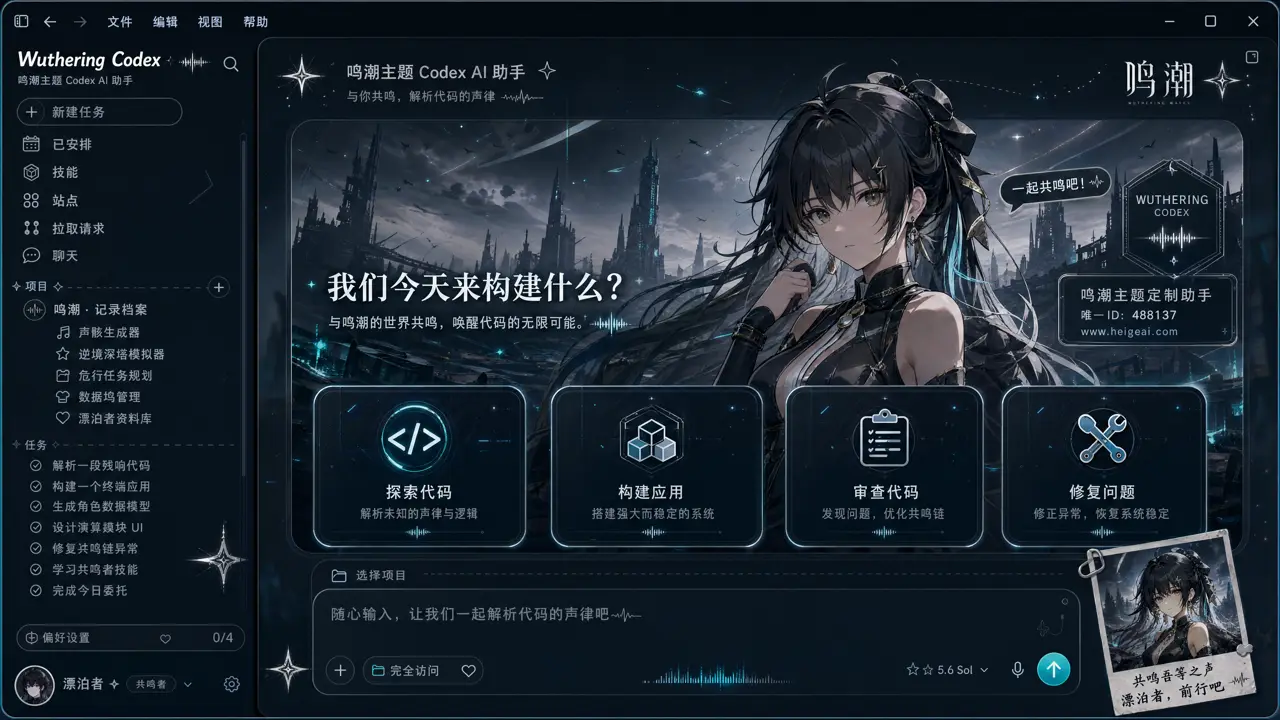
12full-frame concepts
0private image uploads
LOCALlocal guides
Dream Skin gallery
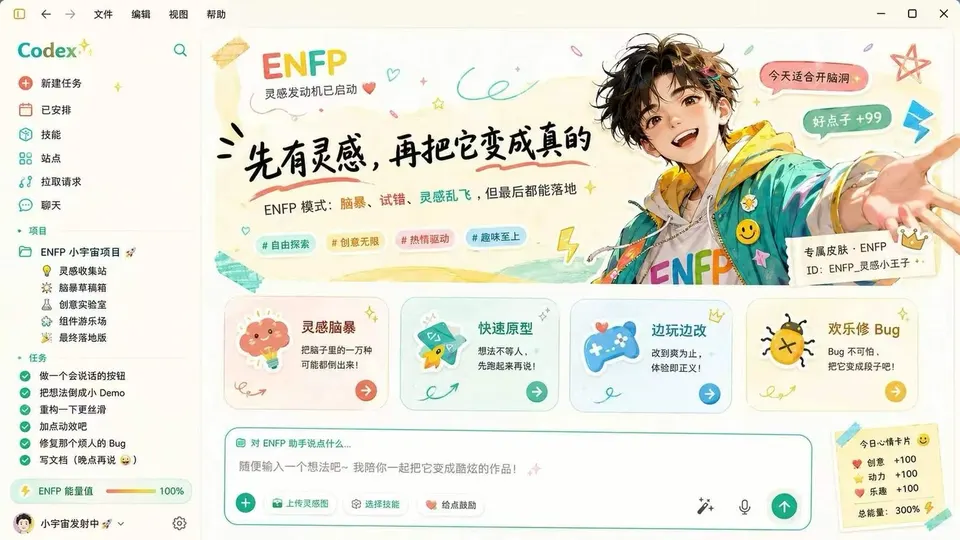
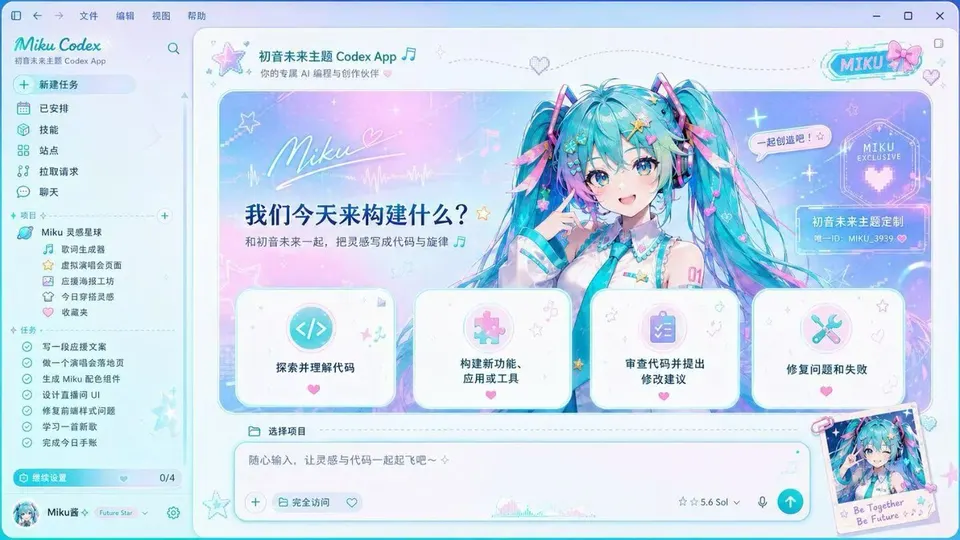
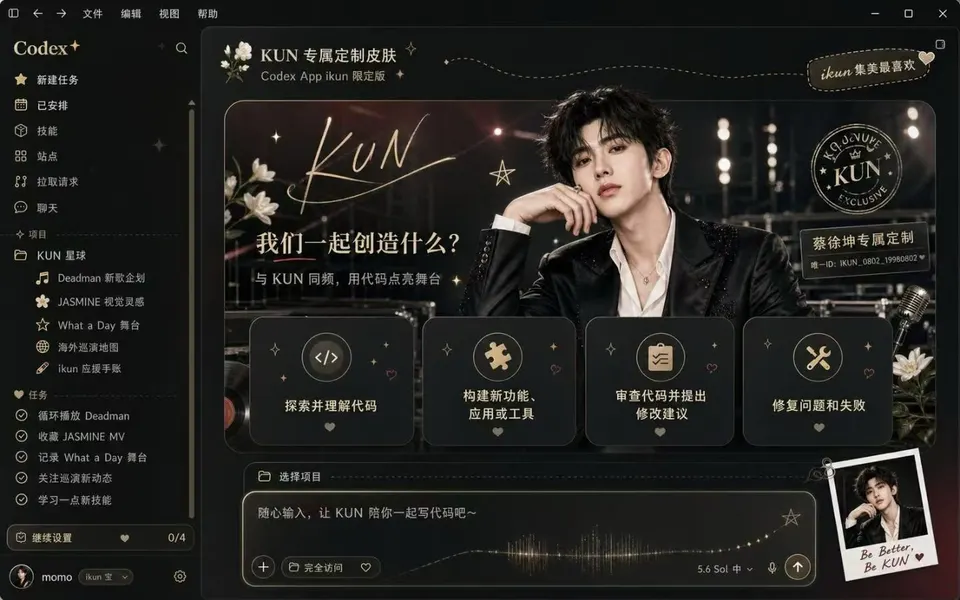
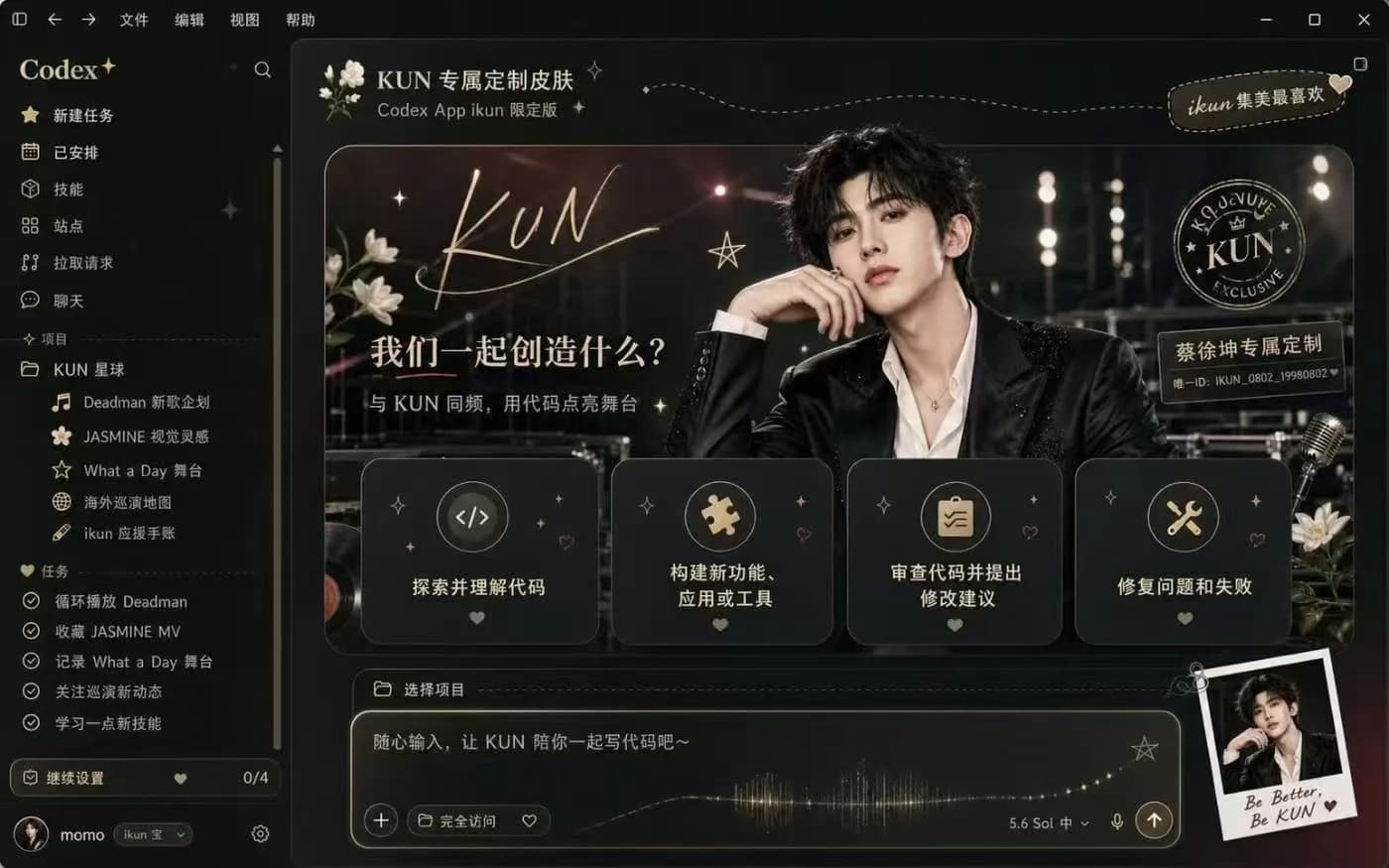
Each card loads its template straight into the Studio — swap the image, tune the colors, and check Home, Tasks and Diff before exporting.

A soft pink portrait layout with calm contrast and a glassy workspace.

A playful crimson skin built around a bold good-fortune motif.

A clean coral science-fiction scene that keeps code and tasks legible.

An airy portrait treatment with quiet surfaces and low visual noise.

A bright illustrated workspace for high-energy creative sessions.

A dark purple portrait skin with luminous controls and focused panels.
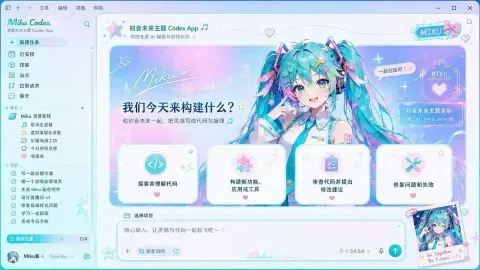
A cyan-tinted character concept with crisp dark-mode readability.

A black-and-gold stage concept that turns the workspace into a poster.

A dramatic black-and-gold fan concept with a poster-like Codex workspace.

A satirical propaganda-poster treatment with a strong red navigation rail.

A soft pink companion concept with a clear task rail and spacious composer.

A playful strawberry portrait concept built around warmth and comic contrast.
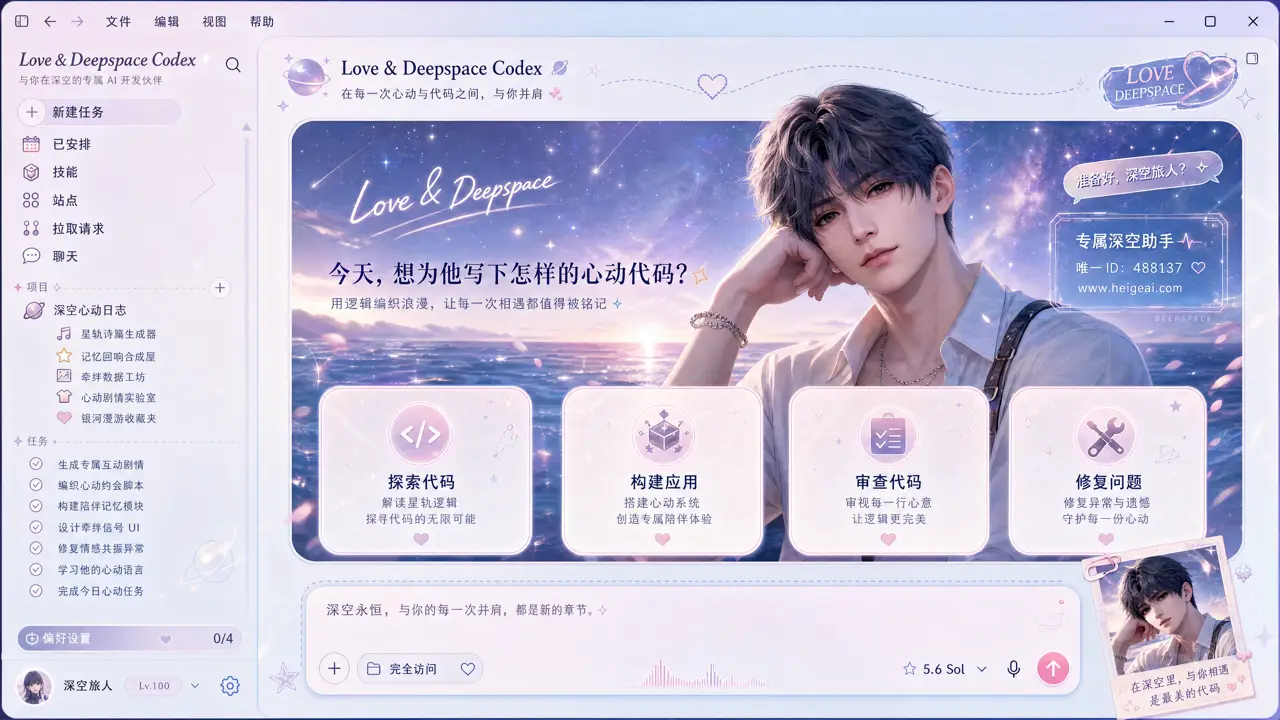
A fully-rendered fan-concept Codex UI with a romantic sci-fi dawn palette: sidebar, prompt, action chips and a polaroid overlay. Fan art, not affiliated.
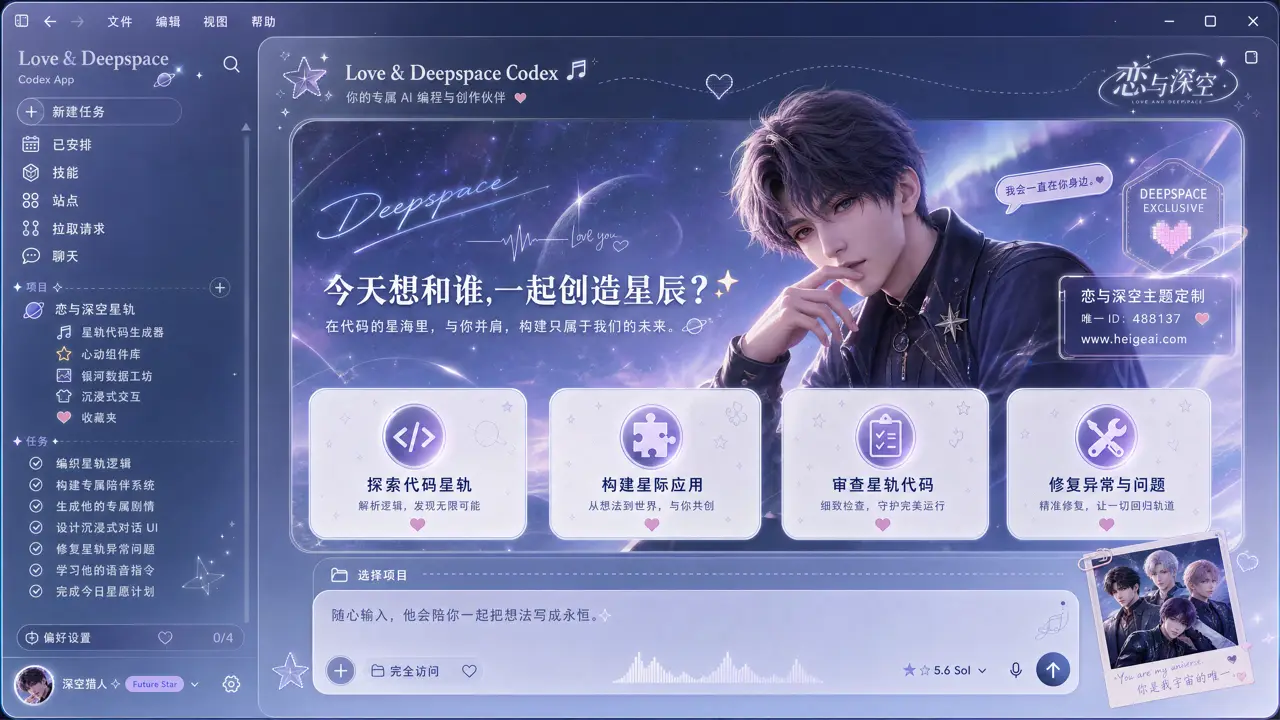
A fully-rendered fan-concept Codex UI with a dreamy starlit romance palette. Fan art, not affiliated.
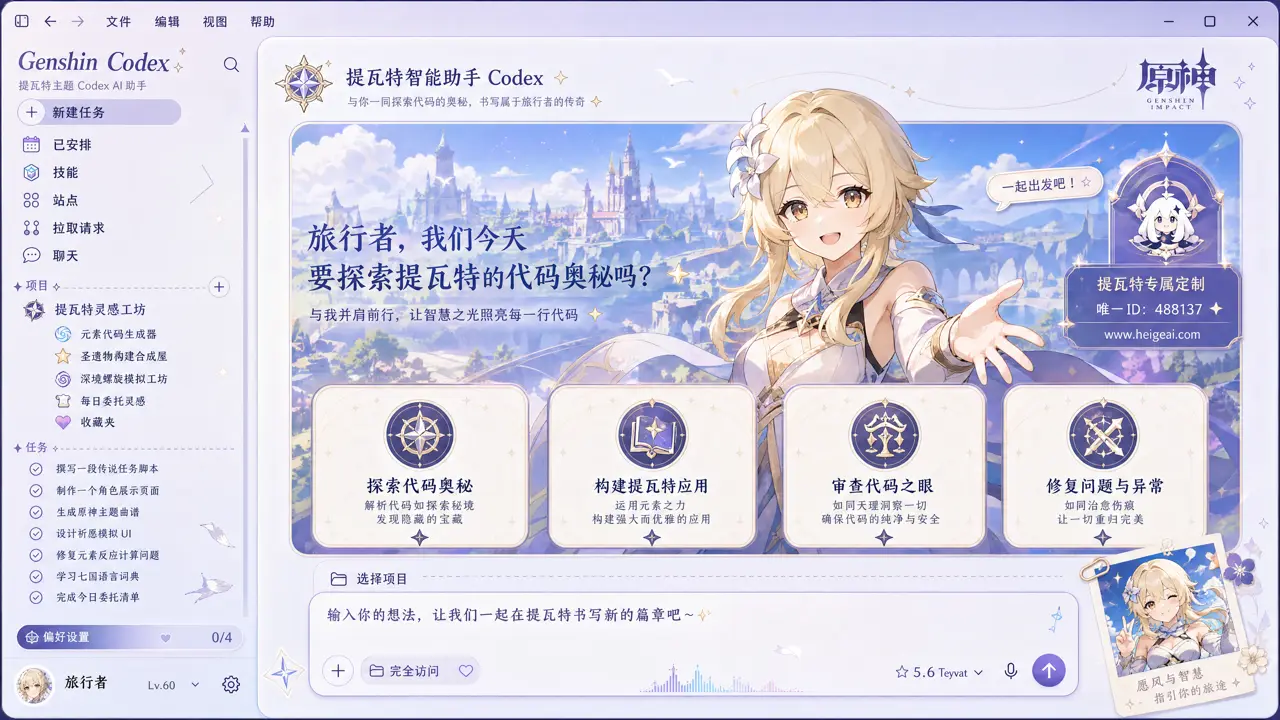
A fully-rendered fan-concept Codex UI echoing an open-world adventure at dawn. Fan art, not affiliated.
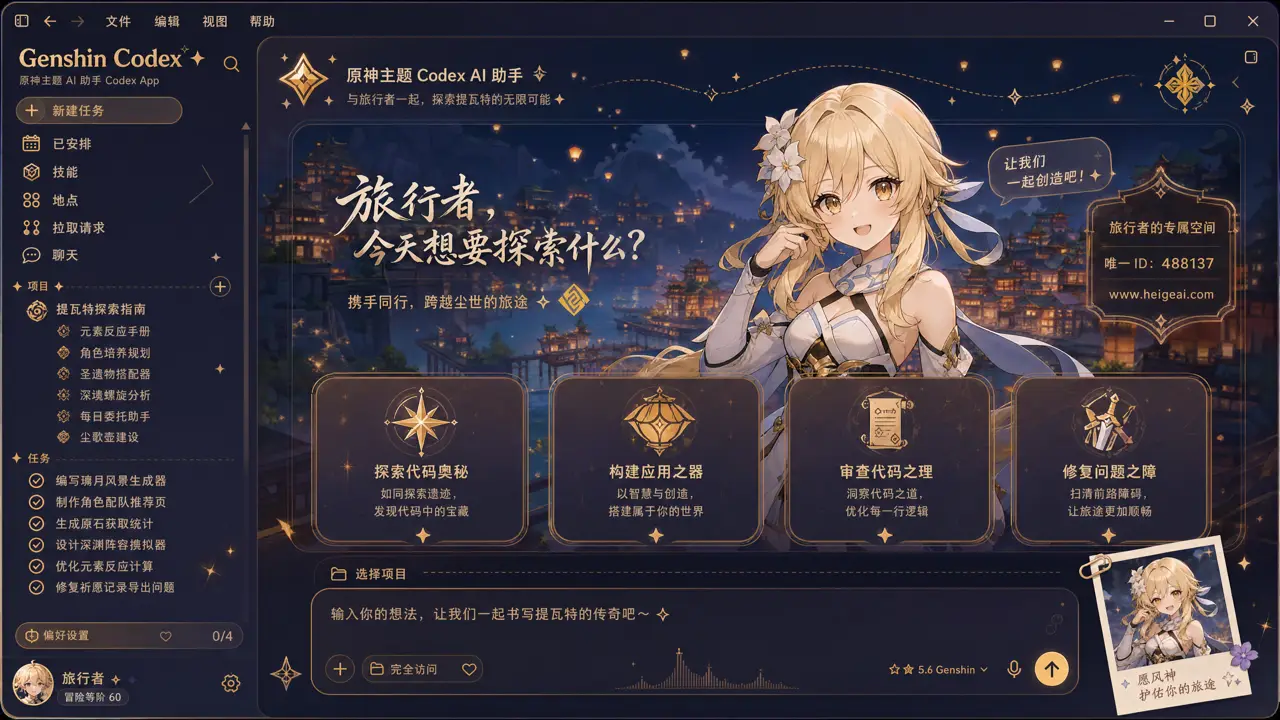
A fully-rendered fan-concept Codex UI with a mystical starry-night adventure palette. Fan art, not affiliated.
A fully-rendered fan-concept Codex UI inspired by a turquoise virtual singer. Fan art, not affiliated.
A fully-rendered fan-concept Codex UI with a fiery ninja-hero mood. Fan art, not affiliated.
A fully-rendered fan-concept Codex UI with a cool, electric rival-ninja mood. Fan art, not affiliated.
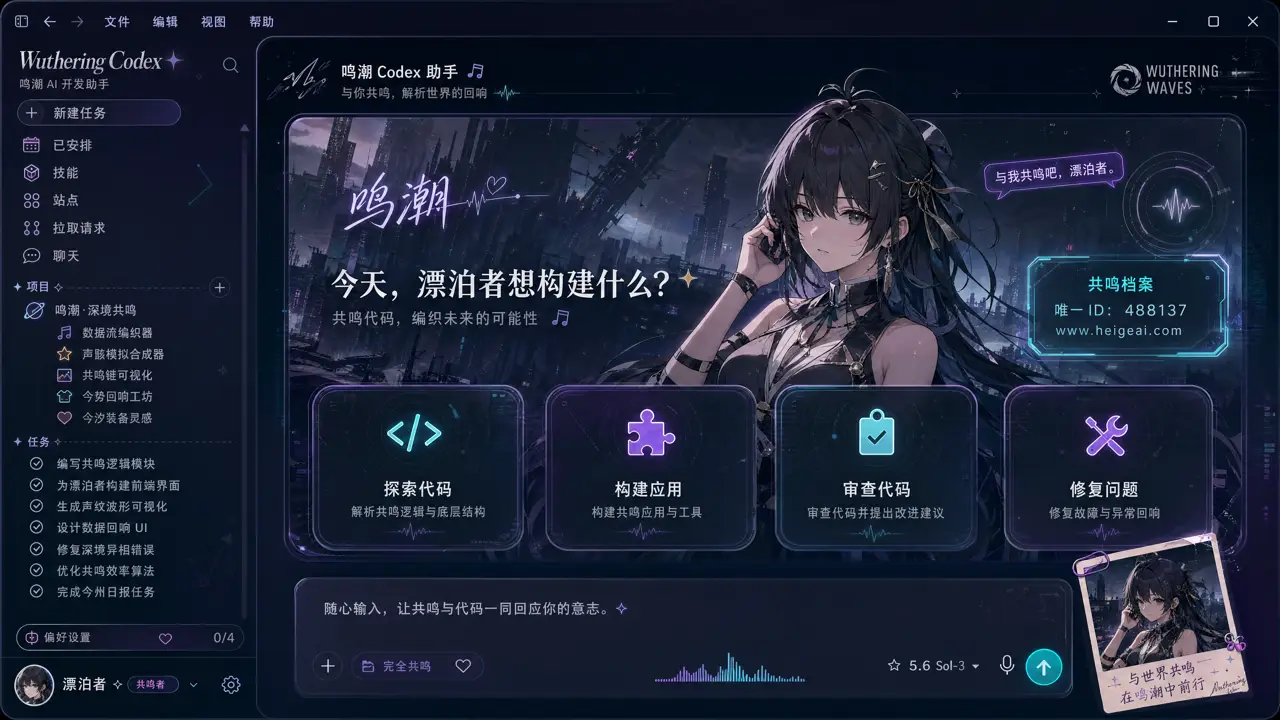
A fully-rendered fan-concept Codex UI echoing a post-apocalyptic sci-fi world. Fan art, not affiliated.
A fully-rendered fan-concept Codex UI with a flowing, tidal sci-fi atmosphere. Fan art, not affiliated.
Fan concepts featuring characters from Genshin, Naruto, Miku, Love & Deepspace, Wuthering Waves and other series are shown for inspiration only. All characters and artwork belong to their original creators; this project is not affiliated with them. Use only images you own or are licensed to use.
Downloadable Codex tutorials
Learn the workflow, check image rights, and start from a recipe you can inspect. Everything runs locally.
A concise bilingual path from rights check to readable export and restore.
A short review path for image rights, contrast, export and restore.
The Studio exports a data-only recipe in your browser. No uploaded image, executable code, API key or provider credential is bundled.
How Dream Skin really works
Build the recipe in your browser. Apply it with the local engine.
Use a wide, rights-cleared image and keep high-detail subjects away from the reading column.
Preview Home, Task and Diff while adjusting position, dim, blur, panel opacity and readable colors.
Build a six-file, data-only archive with hashes. It is an unsigned local recipe—not an executable installer.
Use the upstream platform entry, test native controls and practice the documented restore path.
Install and restore
The browser Studio prepares a recipe. The reviewed engine applies it locally, with a restore path when you are done.
Use Codex Settings for base theme, accent, background, foreground and fonts. Background images are not part of this mode.
The upstream macOS flow validates the official app, installs to a stable user path and supports Finder-based image customization.
The upstream Windows flow supports install, start, screenshot verification and restore. User-image customization is not yet at macOS parity.
Privacy by construction
Upload, decode, palette extraction, preview, image encoding and recipe export happen in your browser. We do not read Codex conversations, prompts or files.
Read the safety modelLocal pipeline
Your image↓Your browser↓Your local exportFAQ
No. The Studio reads, tunes and exports the image in your browser. CodexSkins does not receive your private artwork.
No. It is an unsigned, ZIP-compatible review artifact. The upstream Dream Skin engine has its own platform install, customization, verification and restore flow.
A background image and a theme.json file. It is a reviewable data archive, not an installer.
A skill can change how Codex approaches work, while a skin should only change appearance. Combining them would hide a behavioral permission behind a decorative one.
The macOS download contains the reviewed local engine. The Studio recipe itself contains only an image and theme.json.
Start with one image
Preview a readable skin, export the recipe, and restore the native look whenever you need to.